


Description
Download Video to Images Screen Capture – Video Editor, Screen Capture, Photo Editing, Android App
Overview
Video to Images Screen Capture is a mobile application designed to convert video content into individual image frames, offering users a straightforward way to extract stills from videos. The app is tailored for individuals who need to capture specific moments from video recordings and use them as images for personal or creative purposes. It serves as a lightweight tool for quick frame extraction, making it suitable for casual users, content creators, and social media enthusiasts. The software operates within the Android ecosystem and is optimized for devices running Android 2.0 or later. While the developer, Creatiosoft Solution Private Limited, is identified, no further background or company details are available in the provided data. Real-world use cases include saving memorable scenes from personal videos, extracting frames for design projects, or creating thumbnails for video content. The app supports English language only, which limits accessibility for non-English speakers. The developer did not provide additional system requirements or performance expectations beyond the minimum OS version.
Key Features & Capabilities
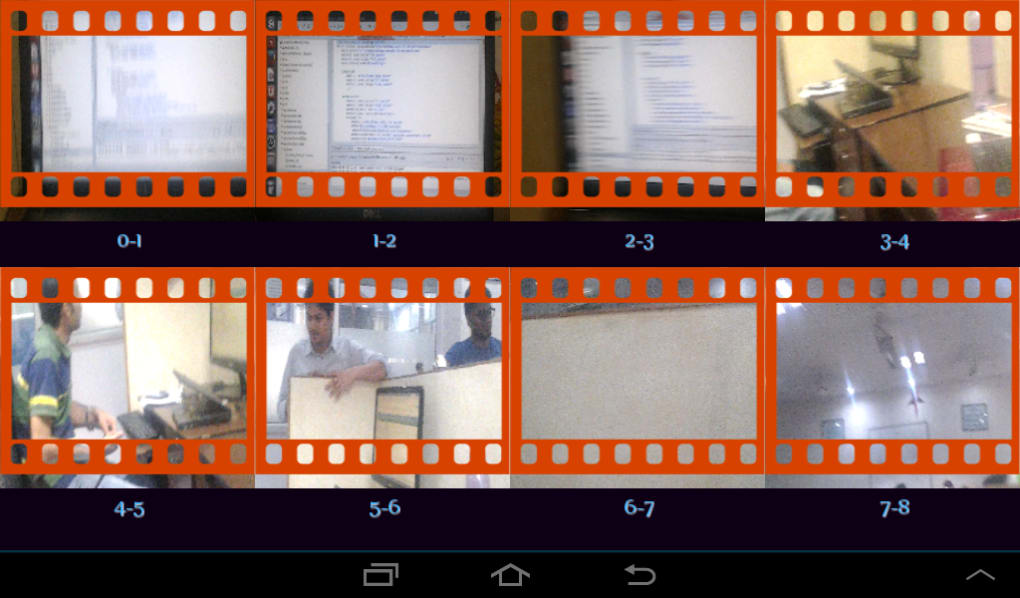
- Frame Extraction from Video – Allows users to select specific video files and extract individual frames as images, enabling easy access to key visual moments.
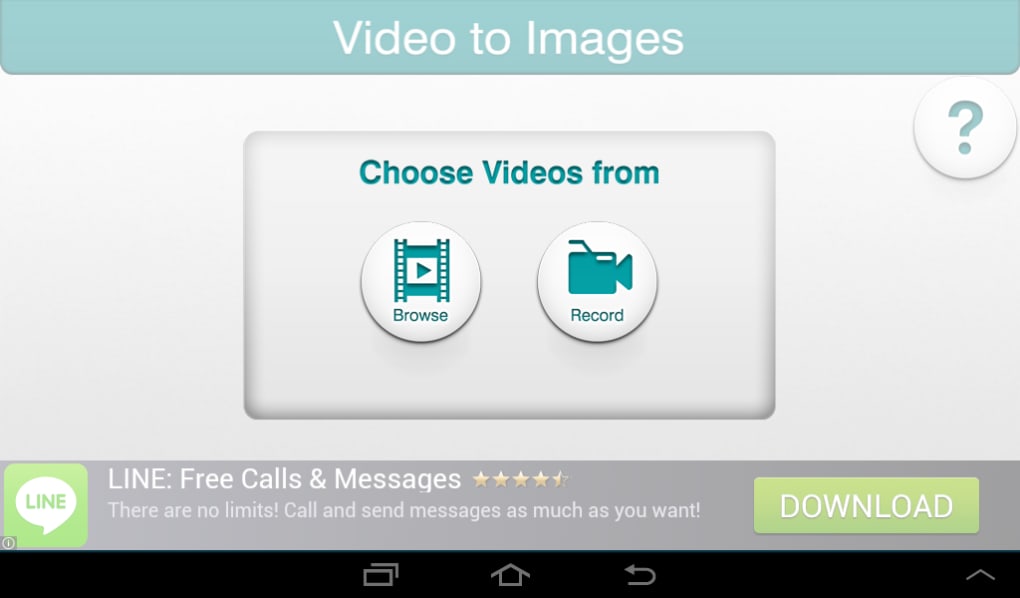
- Simple User Interface – Designed with minimal navigation, the app focuses on core functionality without complex menus or settings.
- Free with Ads – The software is available at no cost, supported by advertisements, making it accessible to budget-conscious users.
- Android Compatibility – Built for Android 2.0 and above, ensuring broad device support across older and newer Android smartphones and tablets.
- Image Saving Functionality – Extracted frames are saved directly to the device’s storage, typically in common image formats such as JPEG or PNG.
Users can leverage this tool to create visual references from video content, such as capturing a child’s first steps, preserving a favorite movie scene, or using frames as assets for digital art. The app’s simplicity makes it ideal for non-technical users who want a no-frills solution for screen capture and still image extraction. However, advanced editing features like cropping, filtering, or batch processing were not mentioned in the provided information.
User Interface, Workflow & Performance
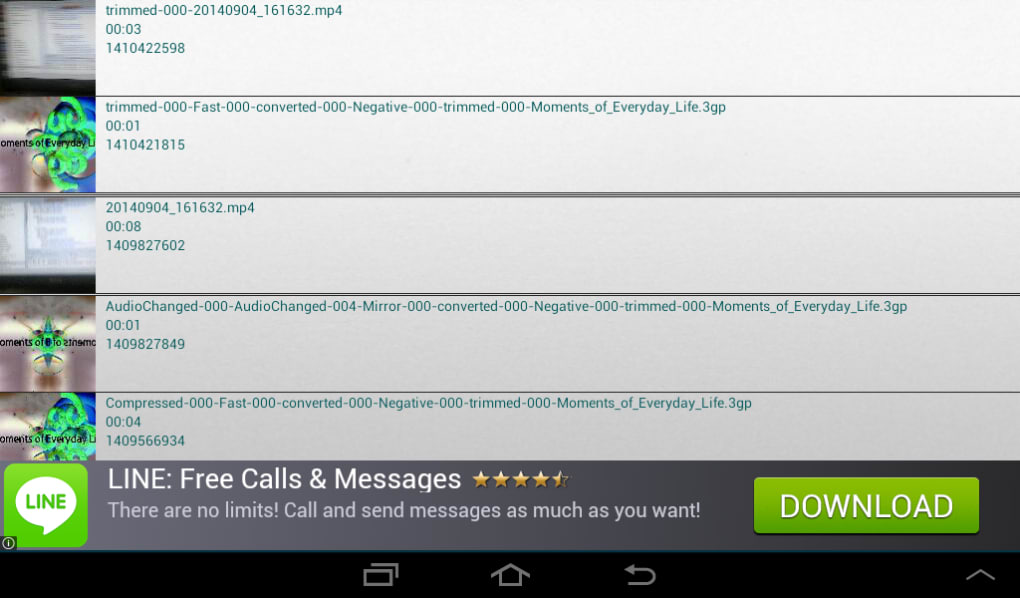
The user interface of Video to Images Screen Capture appears to be minimalistic, focusing on core functionality without unnecessary complexity. Navigation is likely centered around selecting a video file from storage, previewing frames, and choosing a specific moment to save as an image. The workflow is expected to be linear: open app → select video → browse through frames → capture desired image → save to device. This streamlined process supports quick and efficient use, particularly for users who need to extract a single frame without additional steps. The developer did not specify resource usage details, such as CPU or RAM consumption, so performance observations are based on general software behavior patterns. Stability is assumed to be consistent within the app’s scope, given its limited feature set. No reports of crashes or freezes were included in the provided data. However, performance may vary depending on device hardware and video file size. The app may experience delays when processing large video files or high-resolution content, though exact behavior was not documented.
Compatibility & System Requirements
Video to Images Screen Capture is compatible with Android 2.0 and later versions, indicating broad support across a wide range of Android devices. The app is designed to function on both smartphones and tablets running the specified OS. The installation size is not fixed and depends on the device and video file handling capacity, meaning it may vary based on the user’s system configuration. The developer did not specify exact hardware requirements such as minimum RAM, processor speed, or storage space needed beyond the OS version. Compatibility information was partially provided, with no mention of support for iOS, Windows, or other platforms. The app is available exclusively in English, which may affect usability for users who prefer other languages. Users should verify their device’s Android version and ensure sufficient storage space before installation.
Pros and Cons
Pros
- Simple and intuitive interface for quick frame extraction
- Free to download and use with minimal cost barrier
- Supports older Android devices (Android 2.0 and above)
- Efficient for extracting still images from videos without complex tools
- Direct saving of images to device storage
Cons
- Limited to Android platform; no support for iOS or desktop systems
- Contains advertisements, which may interrupt user experience
- Lacks advanced editing features like filters, cropping, or batch processing
- Exact performance and resource usage details were not provided
- Language support is restricted to English only
FAQ Section
Is Video to Images Screen Capture available for iOS devices?
The app is designed exclusively for Android operating systems and is not available for iOS devices.
Can I use this app without an internet connection?
Yes, the app functions offline. Once installed, it does not require an internet connection to extract frames from local video files.
Does the app support batch processing of video frames?
There is no information indicating batch processing capabilities. The app likely allows one frame extraction at a time.
What kind of images are saved after extraction?
Extracted frames are saved in standard image formats such as JPEG or PNG, depending on the app’s internal settings.
How often does the app receive updates?
The last update was released on October 7, 2014. No information is available about future update frequency or maintenance plans.
Final Thoughts + CTA
Video to Images Screen Capture offers a basic yet functional solution for extracting still images from video files on Android devices. Its simplicity and free access make it a practical tool for users who need to capture single frames without the overhead of complex video editing software. While it lacks advanced features and modern design elements, it fulfills its primary purpose effectively for casual users and content creators on older Android systems. The app’s long-standing presence in the app catalog suggests consistent usability, though the lack of recent updates raises concerns about long-term support and compatibility with newer Android versions. For users with Android 2.0 or later who require a no-cost, straightforward screen capture tool, this app remains a viable option. Download Video to Images Screen Capture now to begin extracting high-quality stills from your video content.
Guides & Tutorials for Video to Images Screen Capture
How to install Video to Images Screen Capture
- Click the Preview / Download button above.
- Once redirected, accept the terms and click Install.
- Wait for the Video to Images Screen Capture download to finish on your device.
How to use Video to Images Screen Capture
This software is primarily used for its core features described above. Open the app after installation to explore its capabilities.
User Reviews for Video to Images Screen Capture 0
No reviews found





